



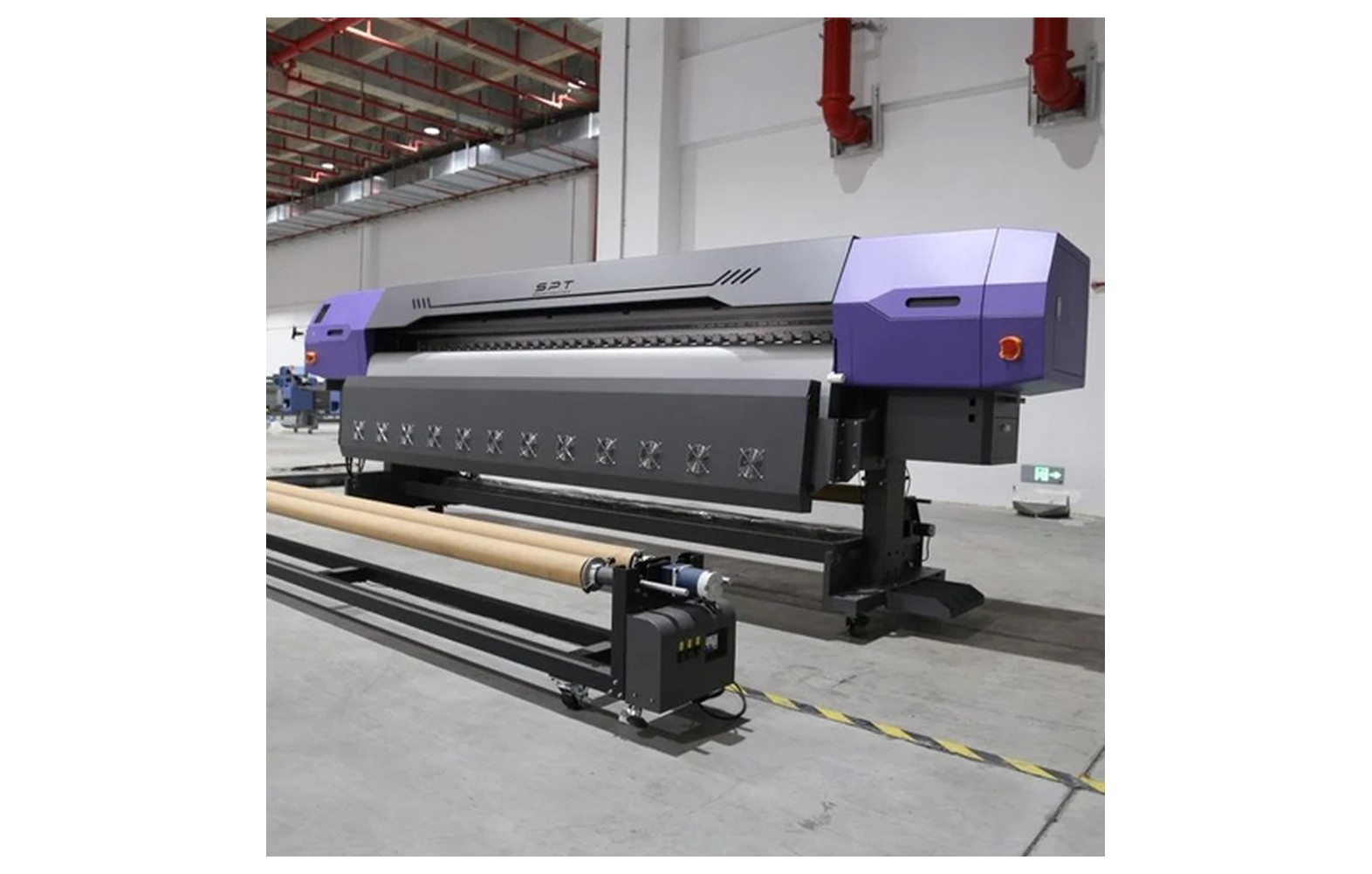
Direct answer: Fault diagnosis starts with a clear symptom and a controlled check against the manufacturer’s procedure. Similar visible defects can have different causes; replacing a part without evidence can add cost without resolving the fault.
Engineering Principles and Components
| Topic | Function | Practical check |
|---|---|---|
| Document | Record the model, error code, job and when the symptom appears. | Keep a test sample and log recent changes. |
| Safety | Stop for leaks, impact, electrical warnings or unsafe operation. | Only qualified personnel should open or repair hazardous systems. |
| Test | Use approved nozzle, feed or calibration checks as relevant. | Change one approved variable at a time. |
| Escalate | Share observations and records with a qualified service engineer. | Confirm diagnosis and quote before parts replacement. |
Practical Shop Checklist
- Record exact model, head, ink and software versions where known.
- Do not bypass guards, force fluids or handle live electrical components.
- Use the correct supplier instructions and authorised diagnostic tests.
- Keep a dated log of test results and the final repair outcome.
Related Engineering Guides
Start with how a piezo printhead works and digital inkjet machine anatomy. For a machine-specific question, share your model on our contact page.
Frequently Asked Questions
Does banding always mean a faulty head?
No. Jetting, feed, media, motion and settings can all contribute.
What should I send a technician?
Provide the model, error message, symptom, test pattern, recent changes and relevant photos where safe.
Should I replace parts one by one until it works?
Avoid guessing. Follow documented tests and obtain a qualified diagnosis before ordering parts.
Can operators inspect live electrical circuits?
Electrical diagnosis should be performed by qualified personnel under the correct isolation and safety procedures.
Should I follow generic settings from an article?
No. Use the exact machine, ink and substrate supplier instructions for settings and maintenance.
Are supplier demonstrations useful?
Yes. A demonstration on your actual equipment or intended materials helps confirm compatibility and procedures.
What should be documented for the shop?
Keep the relevant model, supplier instructions, approved settings, maintenance or test results, and service contacts.
