



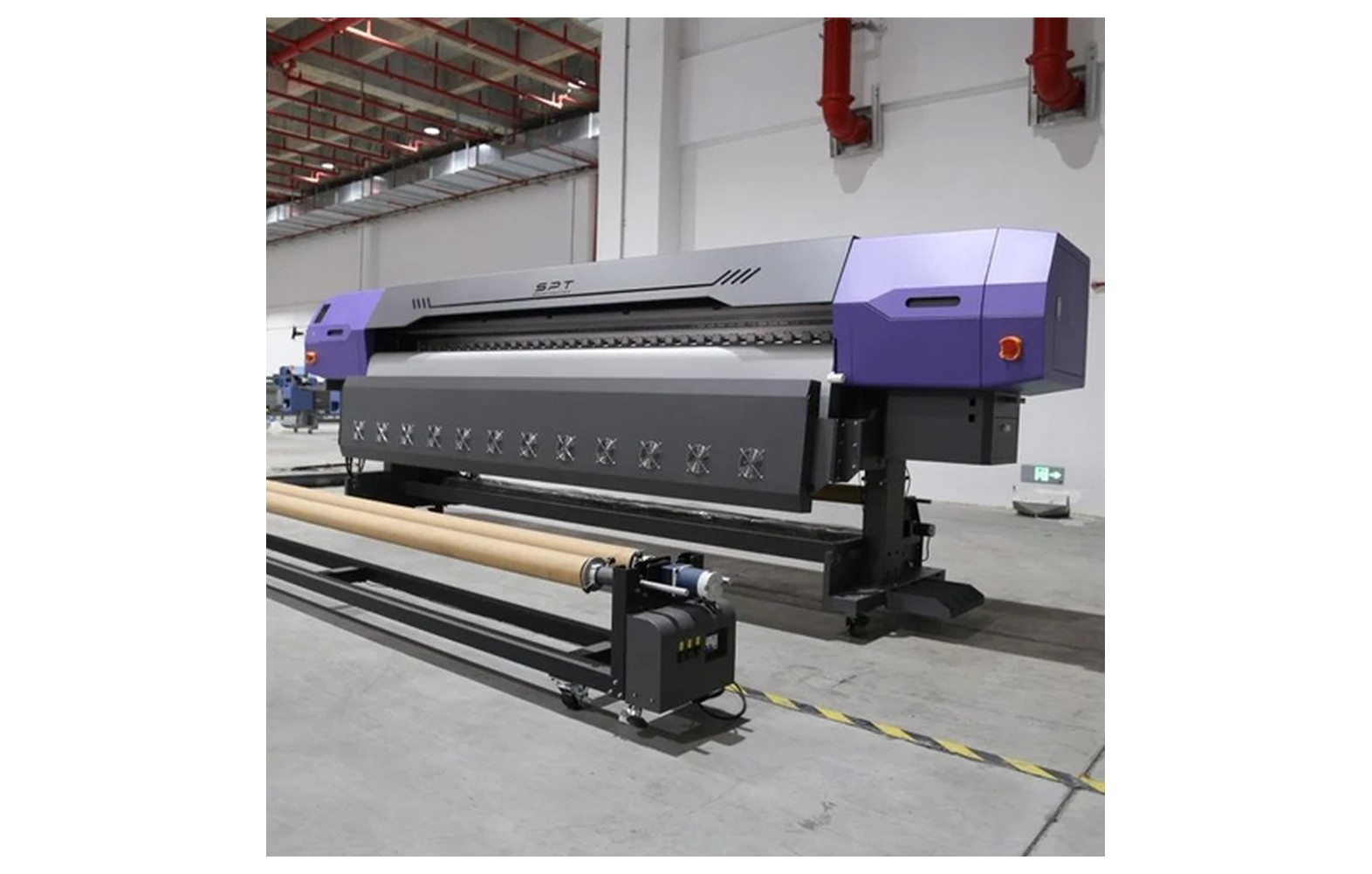
Direct answer: Media-feed calibration and registration address how material advances and where printed or cut artwork lands. Loading, substrate, printer settings and the cutting workflow all influence the result; the correct test and adjustment depend on the equipment.
Engineering Principles and Components
| Topic | Function | Practical check |
|---|---|---|
| Loading | Position a compatible roll according to the printer instructions. | Check width, orientation, rollers and clearances. |
| Feed calibration | Use a manufacturer-approved pattern or procedure to assess advance. | Use the actual media and approved print mode. |
| Print registration | Check artwork position and consistency. | Inspect samples over the relevant run length. |
| Cut registration | Where supported, the cutter uses marks or positioning to align cuts. | Lamination and handling may affect the workflow; follow the cutter instructions. |
Practical Shop Checklist
- Inspect media condition and load the roll using approved procedures.
- Record the actual substrate, feed setting, print mode and pattern result.
- Make one authorised calibration change at a time.
- Stop for skew, lifting media or a suspected head-clearance hazard.
Related Engineering Guides
Start with how a piezo printhead works and digital inkjet machine anatomy. For a machine-specific question, share your model on our contact page.
Frequently Asked Questions
What is media-feed calibration?
It is a machine-specific process for assessing and adjusting how the substrate advances.
Is feed calibration the same as cut registration?
No. Feed calibration concerns media advance; cut registration aligns a compatible cutter to printed artwork.
Should I calibrate with the actual media?
Follow the equipment instructions; media-specific testing is useful when handling differs.
Why does a long roll skew?
Loading, roll condition, rollers, tension or the feed system are possible causes. Diagnose using the manual.
Will one setting work for every material?
Not necessarily. Materials and equipment behave differently.
Can a feed problem cause banding?
Incorrect advance can contribute to visible bands, but other causes such as nozzle faults must also be checked.
What if media lifts near the head?
Stop safely and correct the loading or seek service under the manufacturer procedure.
