



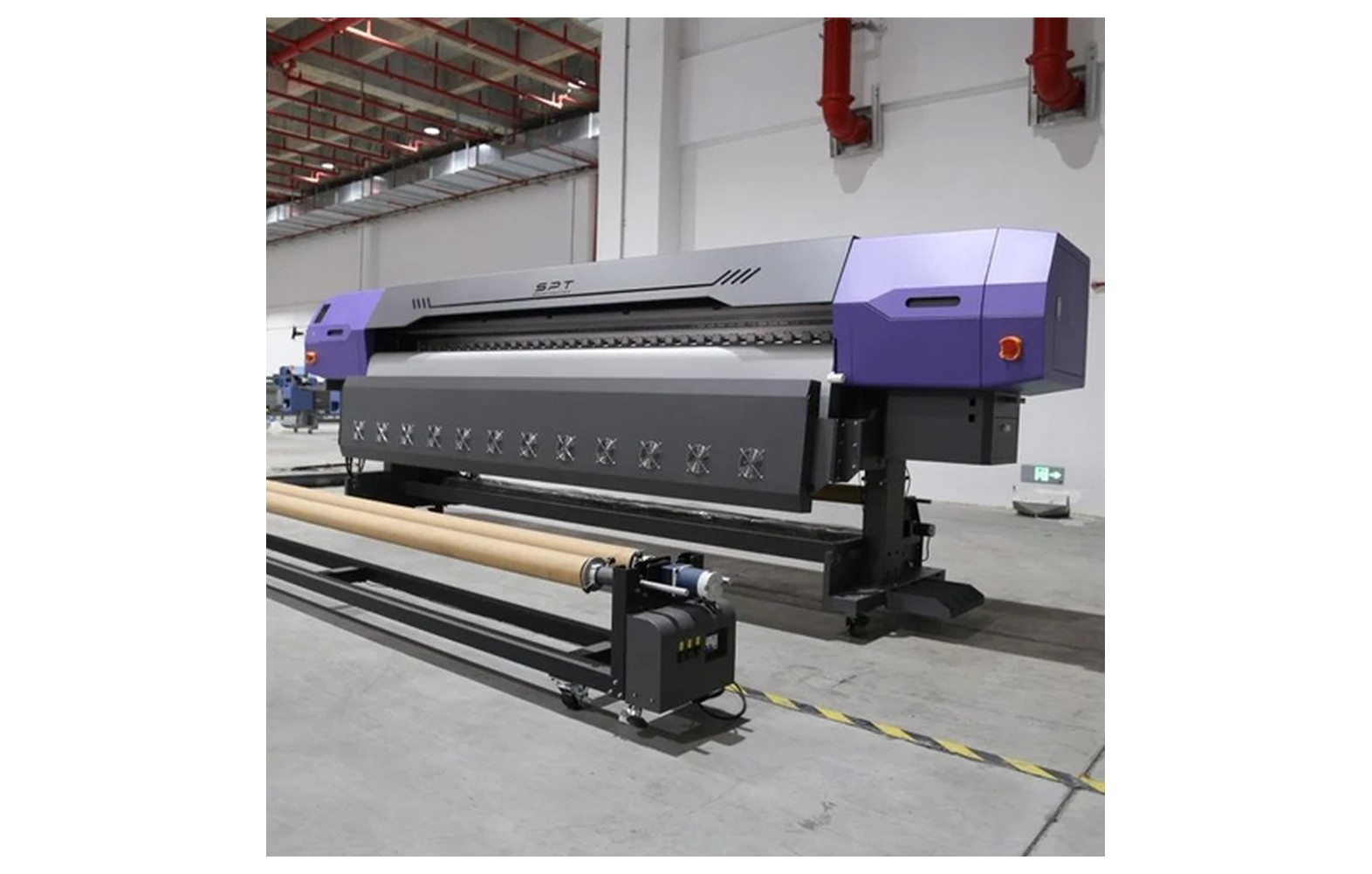
Direct answer: Colour shift can result from changes in ink, substrate, profile, printer condition, settings or viewing light. One symptom does not prove one cause; compare against an approved physical sample under agreed conditions and change one variable at a time.
Engineering Principles and Components
| Topic | Function | Practical check |
|---|---|---|
| Ink | Check the product and batch against the approved configuration. | Do not mix inks or change chemistry without manufacturer guidance. |
| Profile and settings | Confirm the saved RIP preset and relevant profile. | Record print mode and any white-layer or finishing settings. |
| Substrate | Compare material, coating and base colour. | Use a sample from the current batch. |
| Printer and viewing | Run the approved nozzle check and use agreed lighting. | A screen image alone is not a reliable final reference. |
Practical Shop Checklist
- Keep an approved physical reference and a record of its production settings.
- Confirm whether ink, substrate or RIP settings changed before the shift.
- Use the manufacturer-approved nozzle check and test one factor at a time.
- Agree a new physical proof if the configuration changes.
Related Engineering Guides
Start with how a piezo printhead works and digital inkjet machine anatomy. For a machine-specific question, share your model on our contact page.
Frequently Asked Questions
Why does the same file print a different colour?
Changes in ink, substrate, printer condition, profile, settings or viewing light can all affect the result.
Can a new media batch change colour?
Yes. Surface and coating variations can influence appearance; compare a sample.
Does a profile fix missing nozzles?
No. Diagnose jetting separately using the approved nozzle check.
Is a phone screenshot a colour standard?
No. For colour-critical work, agree a physical proof on the actual material.
Should I change ink immediately?
Not without diagnosis and supplier guidance; do not mix or substitute inks casually.
What should I record with an approved proof?
Record printer, ink, substrate, RIP settings, date and agreed viewing conditions.
Can every screen colour be reproduced?
No. The achievable gamut depends on the printer, ink and substrate.
