



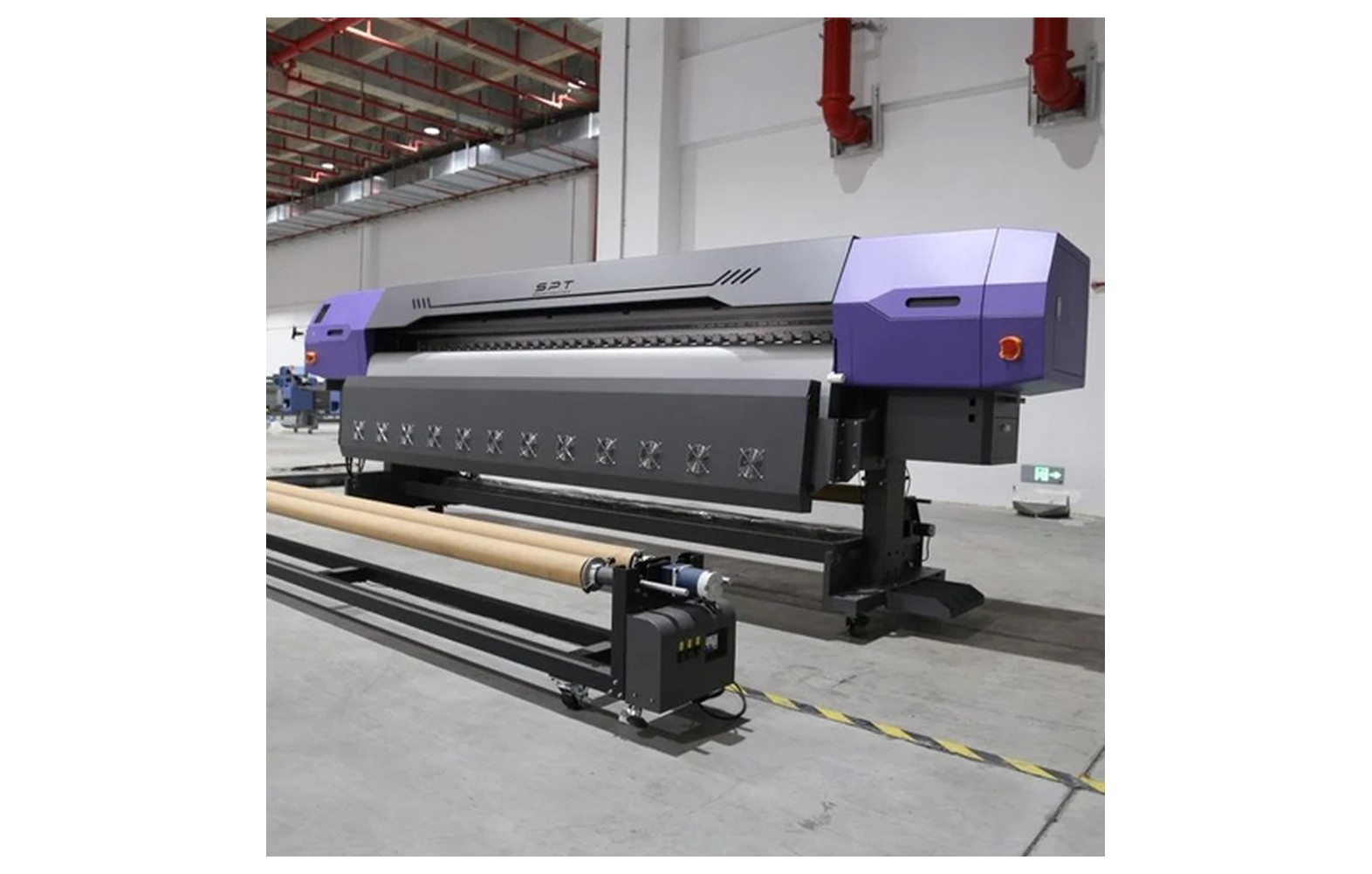
Direct answer: Inconsistent hold-down can involve the substrate, bed zones, air paths, fixtures or vacuum system. Because bed designs differ, start with the manufacturer procedure and safe inspection rather than assuming the pump is faulty.
Engineering Principles and Components
| Topic | Function | Practical check |
|---|---|---|
| Substrate | Porous, warped or irregular items may be unsuitable for the bed. | Confirm the allowed material and check flatness. |
| Zones | Some beds use selectable zones or approved coverings. | Use the manufacturer configuration. |
| Air path and surface | Obstructions or leaks can affect performance. | Inspect only accessible areas as allowed by the manual. |
| Vacuum source | Equipment faults can reduce hold-down. | Qualified service should diagnose electrical or mechanical faults. |
Practical Shop Checklist
- Stop if material moves or creates a head-clearance hazard.
- Check the actual substrate against the printer specifications.
- Record the zone selection and failure location.
- Do not improvise fixtures or modify the vacuum system without approval.
Related Engineering Guides
Start with how a piezo printhead works and digital inkjet machine anatomy. For a machine-specific question, share your model on our contact page.
Frequently Asked Questions
Why is my substrate lifting?
Possible causes include unsuitable or warped material, zone selection, leaks or a vacuum fault; diagnose using the manual.
Can I assume the vacuum pump has failed?
No. Several material and system factors can produce similar symptoms.
Do all beds have zones?
No. Configuration varies by model.
Can vacuum hold any porous material?
Not necessarily. Confirm the substrate and any approved hold-down arrangements.
Does vacuum eliminate head-strike risk?
No. Always check the full item, fixture and clearance.
Should I cover open areas?
Only as specified for the exact bed and machine.
Who should repair a vacuum system?
A qualified service engineer following the equipment safety procedure.
