



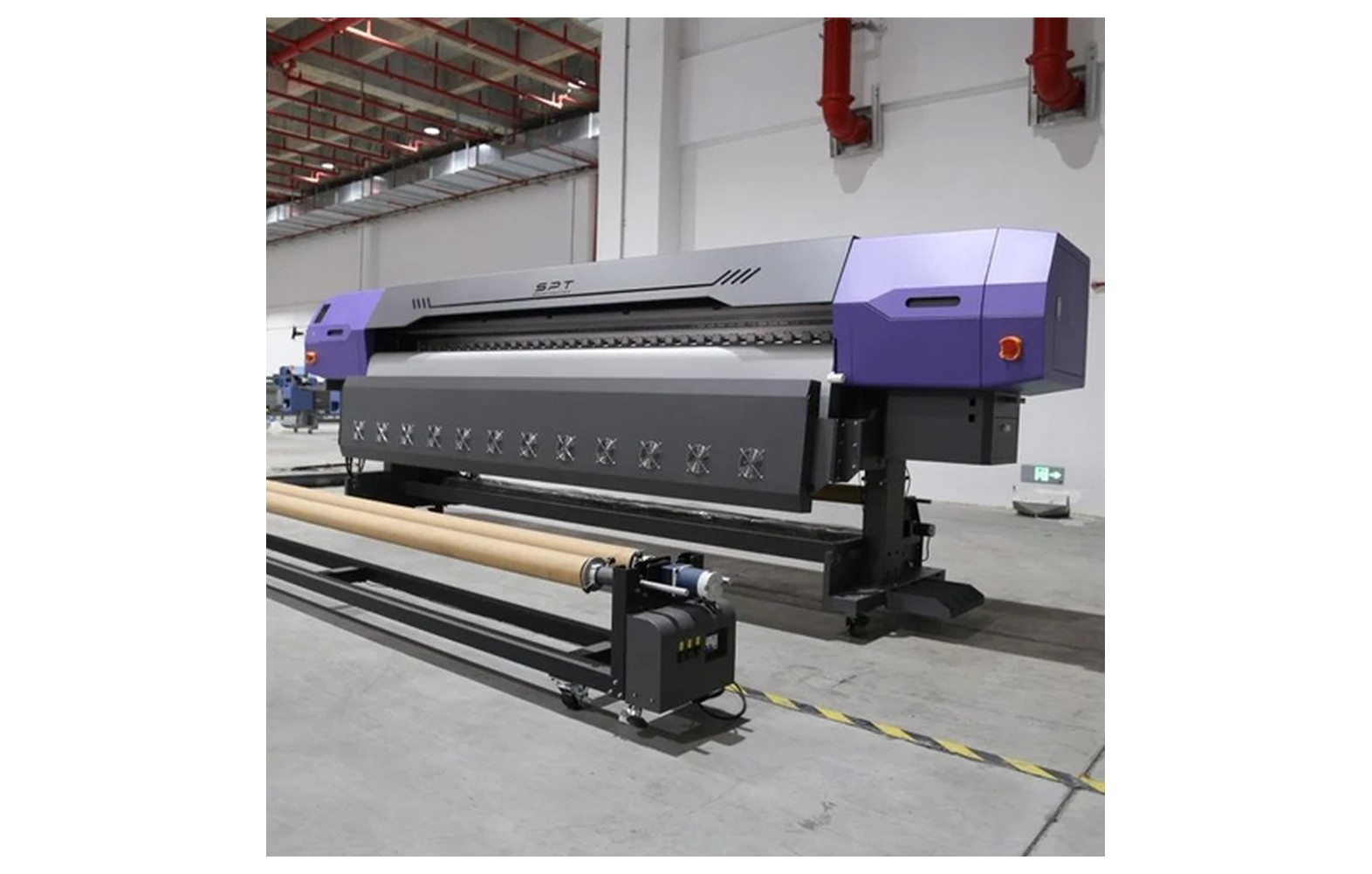
Direct answer: A machine nameplate and installation manual specify electrical requirements such as voltage, frequency, phase and rated current or power. Actual installation, protection and supply capacity must be assessed for the exact equipment and local rules by a qualified electrician.
Engineering Principles and Components
| Topic | Function | Practical check |
|---|---|---|
| Voltage and phase | Identify the required supply voltage and phase. | Do not connect a machine to an incompatible supply. |
| Frequency | Supply frequency must match the equipment specification. | Check the manual and local supply. |
| Current or power | Ratings help a qualified professional assess the load. | Consider the entire system and manufacturer instructions. |
| Protection and earthing | Devices and grounding must be designed for the installation. | Use local codes and a qualified electrician. |
Practical Shop Checklist
- Gather nameplates and manuals for the printer and any separately supplied accessories.
- Ask a qualified electrician to assess concurrent load, starting conditions and local supply rules.
- Do not infer phase or protective-device ratings from a generic price guide.
- Document installation and follow supplier warranty requirements.
Related Engineering Guides
Start with how a piezo printhead works and digital inkjet machine anatomy. For a machine-specific question, share your model on our contact page.
Frequently Asked Questions
Where do I find the electrical rating?
Check the machine nameplate and the installation manual for the exact model.
Is rated power always the shop connection size?
No. The installer must consider the complete load, operating conditions and local supply requirements.
Can I choose a breaker from a generic article?
No. A qualified electrician should select protection for the equipment and installation.
Do all printers need three-phase power?
No. Requirements vary by model and configuration; check the nameplate.
Should I follow generic settings from an article?
No. Use the exact machine, ink and substrate supplier instructions for settings and maintenance.
Are supplier demonstrations useful?
Yes. A demonstration on your actual equipment or intended materials helps confirm compatibility and procedures.
What should be documented for the shop?
Keep the relevant model, supplier instructions, approved settings, maintenance or test results, and service contacts.
