



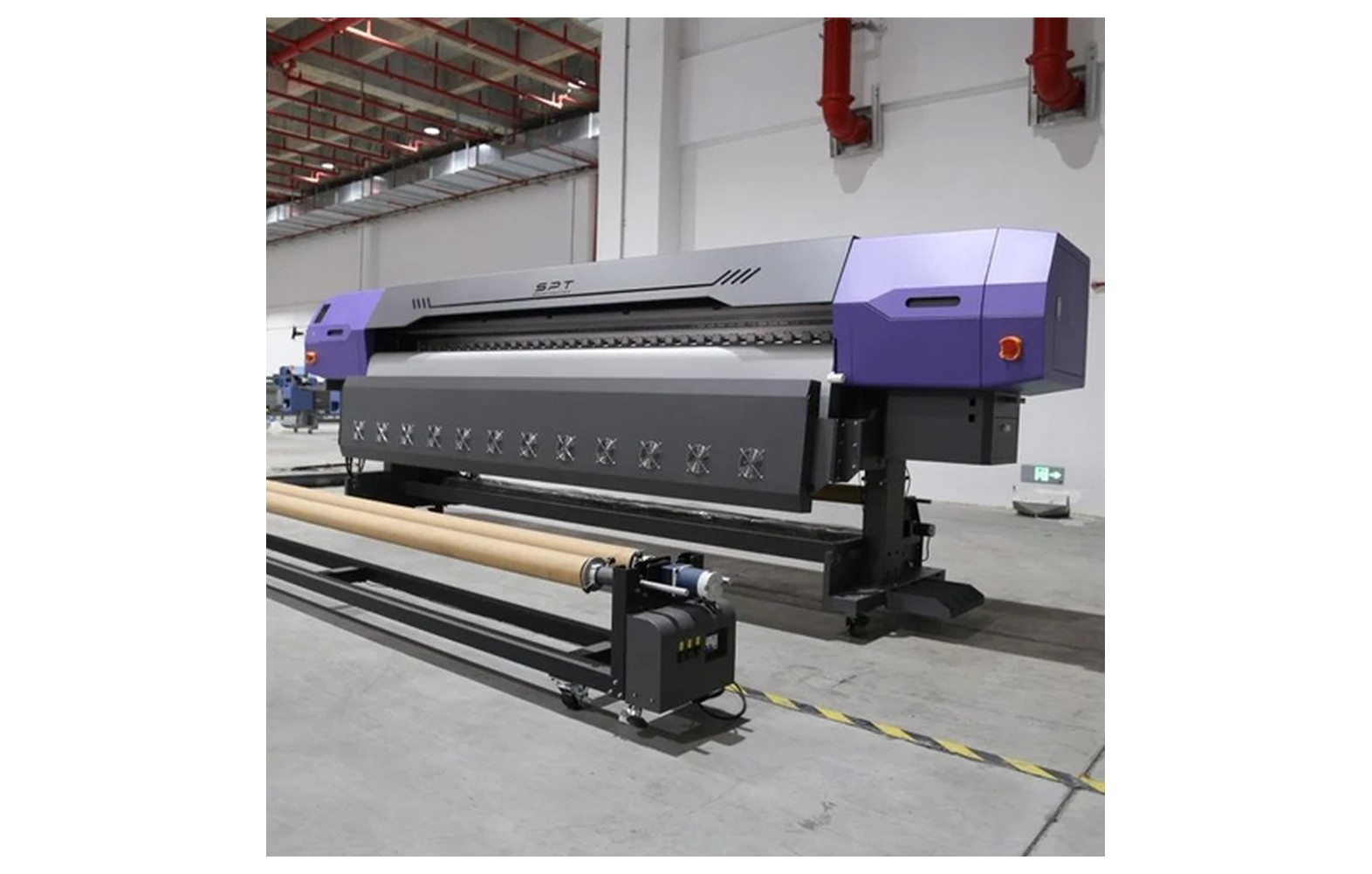
Direct answer: A voltage stabiliser, UPS and protective earth serve different purposes. A stabiliser can regulate voltage within its rated operating range; a UPS can provide temporary power within its design; and protective earthing is part of an electrical safety system. None is a substitute for a properly designed installation.
Engineering Principles and Components
| Topic | Function | Practical check |
|---|---|---|
| Stabiliser | Regulates output within the device’s stated input and load limits. | Check response, operating range and load compatibility. |
| UPS | Provides temporary power within its rated capacity and runtime. | Confirm which components are supported and whether shutdown is possible. |
| Protective earthing | Provides a protective path as part of the installation design. | Have a qualified electrician inspect and test the system. |
| Surge protection | Reduces certain transient overvoltage risks when correctly selected and installed. | Ratings and coordination must match the installation. |
Practical Shop Checklist
- Ask the machine manufacturer which protection and power arrangement it supports.
- Have a qualified electrician assess the supply, earthing, loads and protection.
- Do not promise that a control-only UPS can continue a full production print.
- Document maintenance and warranty conditions for protective equipment.
Related Engineering Guides
Start with how a piezo printhead works and digital inkjet machine anatomy. For a machine-specific question, share your model on our contact page.
Frequently Asked Questions
Does a stabiliser provide backup power?
Normally its function is voltage regulation, not energy storage. Check the exact device specifications.
Can a UPS replace earthing?
No. Backup power and protective earthing have different safety functions.
Will any UPS run a whole printer?
Not necessarily. Capacity, waveform, starting load and manufacturer compatibility need professional assessment.
Who should test earthing?
A qualified electrician using the required procedures and local standards.
Should I follow generic settings from an article?
No. Use the exact machine, ink and substrate supplier instructions for settings and maintenance.
Are supplier demonstrations useful?
Yes. A demonstration on your actual equipment or intended materials helps confirm compatibility and procedures.
What should be documented for the shop?
Keep the relevant model, supplier instructions, approved settings, maintenance or test results, and service contacts.
