



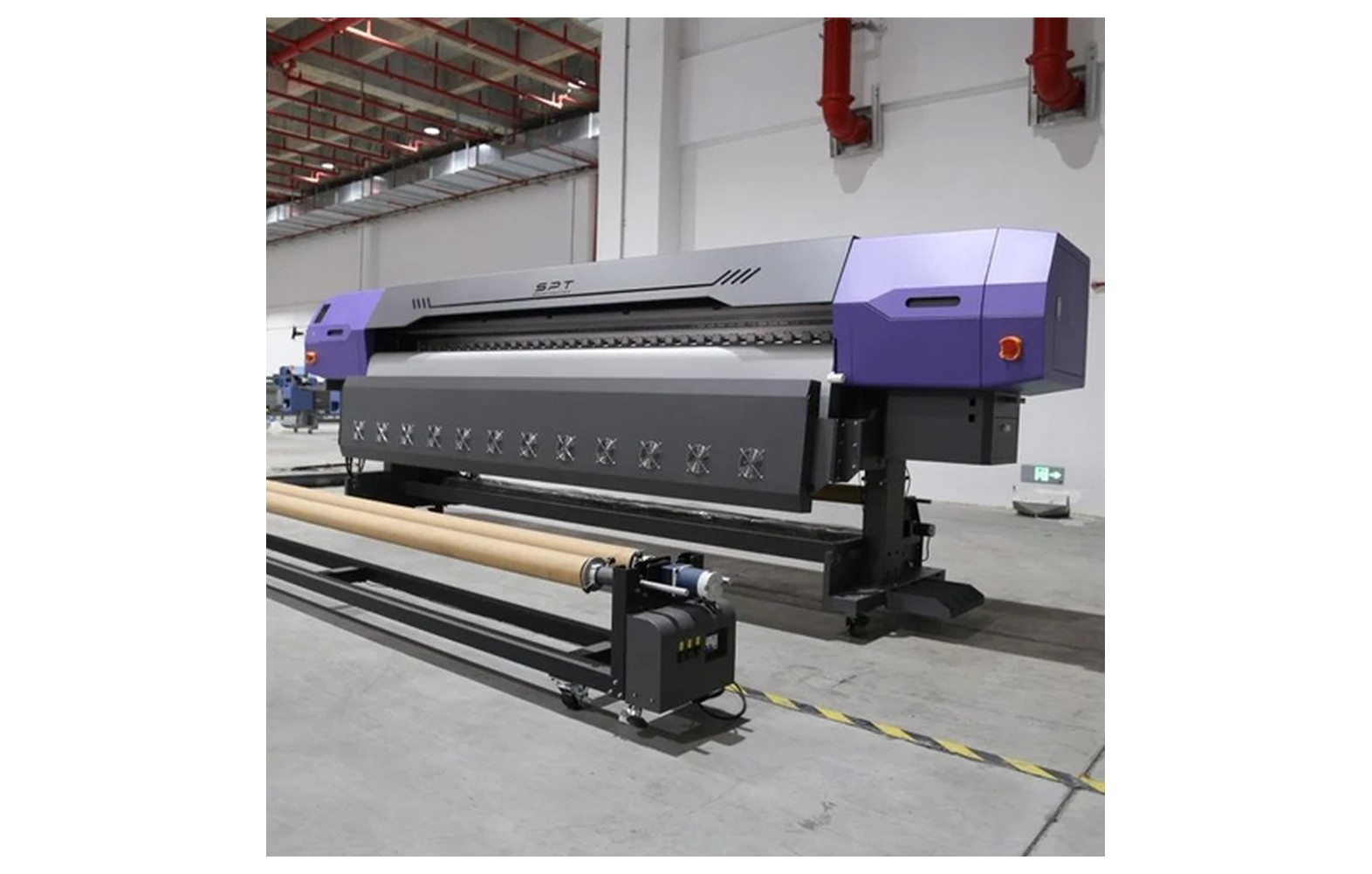
Direct answer: Preventive maintenance means performing authorised inspection, cleaning and record-keeping before faults interrupt production. Tasks and intervals differ by ink chemistry, machine and workload; the manufacturer manual is the primary source for the actual schedule.
Engineering Principles and Components
| Topic | Function | Practical check |
|---|---|---|
| Before production | Use the approved nozzle check and inspect machine status. | Record unusual results rather than changing multiple settings. |
| Routine cleaning | Clean only the areas and with the products permitted by the manual. | Incorrect fluid or contact can damage components. |
| Supplies | Track approved inks, filters and consumables. | Do not mix materials without supplier guidance. |
| Service records | Record symptoms, maintenance and authorised repairs. | Escalate leaks, electrical faults and persistent dropout. |
Practical Shop Checklist
- Keep model-specific instructions accessible to operators.
- Do not force cleaning fluid through a printhead or bypass safety devices.
- Track work, tests and consumable changes in a log.
- Have qualified personnel perform electrical and invasive ink-system service.
Related Engineering Guides
Start with how a piezo printhead works and digital inkjet machine anatomy. For a machine-specific question, share your model on our contact page.
Frequently Asked Questions
Is the same maintenance schedule suitable for all printers?
No. Follow the exact machine and ink manufacturer recommendations.
Should I run unlimited head cleans?
No. Follow approved limits; repeated cleaning consumes ink and may affect the waste system.
What should operators record?
Model, date, nozzle check, symptoms, consumables and any approved action or service visit.
Who should repair electrical faults?
A qualified service engineer, using the machine’s isolation and safety procedure.
Should I follow generic settings from an article?
No. Use the exact machine, ink and substrate supplier instructions for settings and maintenance.
Are supplier demonstrations useful?
Yes. A demonstration on your actual equipment or intended materials helps confirm compatibility and procedures.
What should be documented for the shop?
Keep the relevant model, supplier instructions, approved settings, maintenance or test results, and service contacts.
