

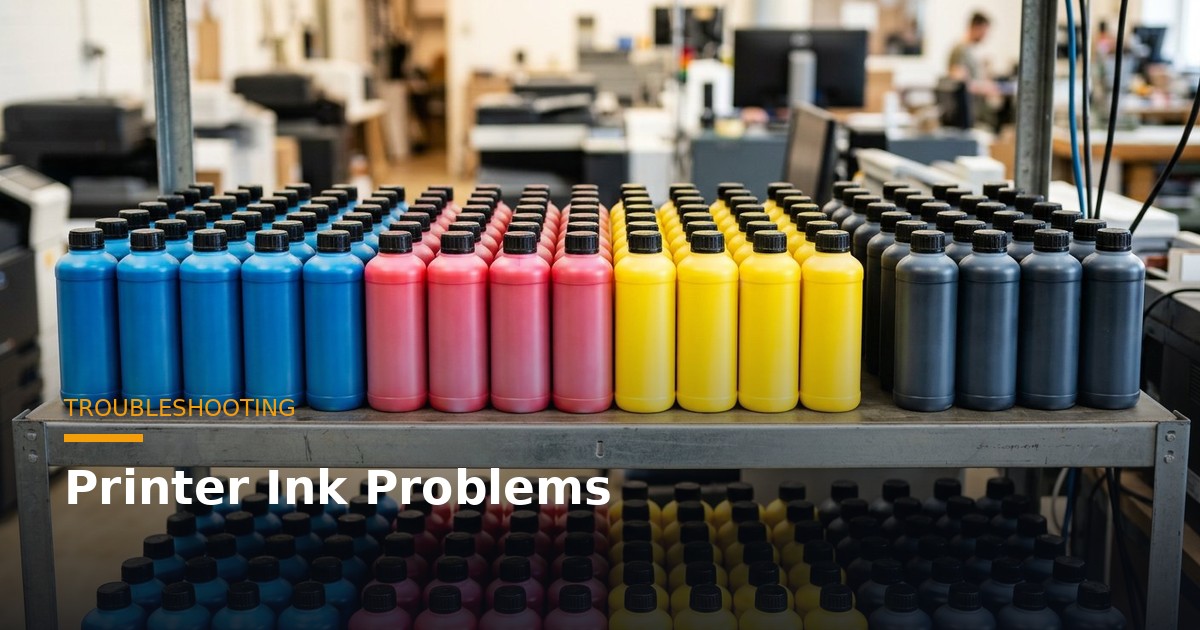
Ink-related problems are among the most common and frustrating issues printers face — clogged nozzles, banding, ink that will not dry, poor colour and smudging. These problems waste ink and media, delay jobs and, if ignored, can damage your printhead. The good news is that most ink problems have identifiable causes and practical fixes. This troubleshooting guide covers the most common printer ink problems for wide-format, UV and DTF printers, what causes them, and how to fix and prevent them.
Clogged Nozzles: Causes and Fixes
Clogged nozzles are the most common ink problem, showing as missing lines, gaps or banding in your output. The main causes are ink drying in the nozzles (from the printer sitting idle uncapped), poor or inconsistent ink with coarse pigment, and — for DTF — white pigment settling. To fix clogging, run your printer’s cleaning or purge cycle, which flushes ink through the nozzles. For stubborn clogs, a deeper clean or a cleaning solution may be needed. To prevent clogging, keep the head capped when idle, use quality ink, run regular maintenance, and for DTF keep white ink agitated. Persistent clogging often points to poor ink quality or inadequate maintenance — addressing those prevents recurring clogs.
Banding: Causes and Fixes
Banding appears as horizontal lines or streaks across your print, and has several possible causes. Clogged or misfiring nozzles are a common cause — run a nozzle check and cleaning cycle. Printhead misalignment causes banding; run your printer’s head-alignment procedure. Incorrect print settings — wrong pass count, speed or height — can cause banding; check your settings. Media feed issues — incorrect feed rate or tension — also cause banding; check media loading and feed settings. Diagnose the cause: run a nozzle check first, then alignment, then check settings and media feed. Banding is usually fixable by addressing the specific cause, most often nozzle or alignment issues.
Ink Not Drying or Curing
Ink that will not dry or cure properly has different causes depending on ink type. For solvent and eco-solvent, ink dries by evaporation — if it is not drying, check your dryer and heater settings (insufficient heat slows drying), and ensure adequate ventilation. For UV ink, curing depends on the UV lamps — if UV ink is not curing, check that your UV lamps are working and at full power (UV lamps degrade over time and need replacement), and that curing settings are correct. For DTF, the powder must be properly cured in the oven. Diagnose based on your ink type: for solvent, check heat and ventilation; for UV, check the lamps; for DTF, check the curing. Ink not drying usually points to a curing or heating issue specific to your technology.
Smudging and Rubbing Off
Ink that smudges or rubs off indicates it is not properly bonded or cured. For solvent and eco-solvent, this can mean insufficient drying (increase heat and drying time) or incompatible media (use proper coated media). For UV, smudging usually means incomplete curing — check your UV lamps and curing settings, and ensure the surface is suitable. For DTF, smudging can mean improper powder curing or pressing. Smudging wastes output and ruins jobs, so address it promptly: check your curing or drying for your ink type, verify media compatibility, and ensure settings are correct. Proper curing, drying and media compatibility prevent smudging and ensure durable, professional output.
Poor or Inconsistent Colour
Poor or inconsistent colour has several causes. Clogged nozzles cause colour to be wrong or missing — run a nozzle check and clean. Low or degraded ink causes weak colour — check ink levels and freshness. Incorrect profiles cause colour inaccuracy — use the correct ICC profile for your printer, ink and media. Inconsistent ink — from poor-quality or old ink — causes variable colour. For sublimation and DTF especially, colour consistency is critical. Diagnose: check nozzles first, then ink levels and freshness, then profiles. Poor colour usually stems from nozzle, ink or profile issues, all of which are fixable. Consistent, quality ink and correct profiles are the foundation of good colour.
Ink-Related Problems Specific to DTF
DTF has some ink problems worth noting, mostly around white ink. White ink clogging is common, since white pigment settles — prevent it with white circulation, stirring and proper maintenance, and use quality white ink. Weak white opacity — from poor white ink or insufficient white coverage — makes designs dull on dark garments; use quality white ink and adequate coverage. White settling in lines causes clogging and inconsistent white — keep white agitated. Because DTF relies so heavily on white ink and uses sensitive Epson heads, white-ink maintenance and quality are critical. Most DTF ink problems trace back to white-ink handling, so mastering white-ink care prevents the majority of DTF ink issues.
Preventing Ink Problems: Best Practices
Most ink problems are preventable with good practices. Use quality ink matched to your printhead — this is the foundation, preventing clogging and poor output. Follow maintenance — run regular cleaning and maintenance cycles, keep the head capped when idle, and use proper cleaning solution. For DTF, maintain white ink — circulate, stir and never let it settle. Use fresh ink within shelf life and store it properly. Check settings — use correct profiles, pass counts and curing settings. Address issues early — deal with banding or clogging before it worsens. These practices prevent the vast majority of ink problems, keeping your printer producing reliably and protecting your printhead.
When Ink Problems Signal a Bigger Issue
Sometimes persistent ink problems signal a deeper issue rather than a simple fix. Recurring clogging despite good maintenance and quality ink may indicate a failing printhead or an ink-system problem. Persistent banding after alignment may point to a mechanical or head issue. Ink problems that resist the usual fixes warrant deeper investigation — check the ink system (lines, dampers, pumps), assess the printhead’s condition, and consider whether the head is reaching end of life. If problems persist, expert diagnosis is valuable. Persistent ink problems are often an early warning of a component issue, so investigating them properly — rather than repeatedly applying quick fixes — addresses the root cause before it causes bigger damage or downtime.
Getting Expert Help with Ink Problems
While many ink problems are fixable with the steps above, some need expert help — especially persistent problems, printhead issues or complex diagnosis. Unified Engineering Dynamics manufactures a wide range of printers and provides expert support nationwide. Our technicians can help diagnose and resolve ink-related problems, from clogging and banding to curing and colour issues, and advise on preventing them through proper ink, maintenance and settings. If you are facing ink problems you cannot resolve, or want to prevent them, our experts can help you get your printer running reliably and protect your printhead from damage.
Frequently Asked Questions
How do I fix clogged nozzles?
Run your printer’s cleaning or purge cycle. For stubborn clogs, use a deeper clean or cleaning solution. Prevent clogging with quality ink, regular maintenance and keeping the head capped.
What causes banding?
Usually clogged or misaligned nozzles, incorrect settings, or media feed issues. Run a nozzle check and cleaning, then head alignment, then check settings and media feed.
Why is my UV ink not curing?
Usually the UV lamps — check they are working and at full power, since UV lamps degrade over time and need replacement. Also check curing settings.
Why does my DTF white ink keep clogging?
White pigment settles and clogs nozzles. Prevent it with white circulation, stirring, proper maintenance and quality white ink. White-ink care is essential in DTF.
How do I prevent ink problems?
Use quality ink matched to your head, follow maintenance, maintain white ink on DTF, use fresh ink, check settings, and address issues early. Prevention is the best approach.
Do you help with ink problems?
Yes. Unified Engineering Dynamics provides expert support for ink-related problems and supplies quality inks, helping you keep your printer running reliably.
Building a Troubleshooting Routine
Rather than reacting to ink problems as they arise, build a simple troubleshooting routine that catches and fixes issues early. Start each production run with a nozzle check — a quick test print that shows whether all nozzles are firing — and run a cleaning cycle if any are missing. Check your output on the first print of a job for banding, colour or drying issues before running the full job. Monitor your ink — levels, freshness and, for DTF, white suspension. Keep a log of problems and fixes, so recurring issues become clear. This routine takes little time but catches most problems at the start, before they waste ink, media and time on a full job. A systematic routine is far more efficient than discovering a problem halfway through a large print run.
A good routine also builds knowledge over time. By logging problems and their causes, you learn your machine’s tendencies — perhaps it clogs if left idle over a weekend, or bands at certain speeds, or its UV lamps need replacing on a schedule. This knowledge lets you prevent problems proactively rather than just fixing them reactively. Experienced printers develop an intuition for their machines, noticing early signs of trouble and addressing them before they become serious. Building a troubleshooting routine is how you develop this expertise — turning ink problems from frustrating surprises into managed, predictable aspects of running your printer well.
The Cost of Ignoring Ink Problems
Ignoring ink problems is expensive, and understanding this motivates prompt action. A small nozzle clog left unaddressed can worsen, causing more missing nozzles and eventually permanent head damage. Banding ignored means every print is flawed, wasting ink and media and producing rejected output. Ink not curing properly ruins output and can damage your machine or substrate. And underlying issues — a failing head, a degrading UV lamp, an ink-system problem — worsen and cost more the longer they are ignored. What might have been a quick cleaning or a cheap part becomes an expensive head replacement or major repair. Prompt action on ink problems is always cheaper than ignoring them.
Beyond the direct costs, ignoring problems hurts your business. Flawed output means rejected jobs, unhappy customers and a damaged reputation. Downtime from an escalating problem delays other work and strains deadlines. And the stress and disruption of constant problems undermine your efficiency and morale. Addressing ink problems promptly — with the fixes in this guide, or expert help when needed — keeps your output quality high, your customers happy and your business running smoothly. Treat ink problems as worth fixing immediately, not tolerating: the cost of prompt action is small, while the cost of ignoring them compounds into much larger losses in output, reputation and expensive damage.
Prevention Is Cheaper Than Cure
The single most important lesson about ink problems is that prevention is far cheaper than cure. Most ink problems — clogging, banding, poor colour, drying issues — are preventable with quality ink and good maintenance. Using quality ink matched to your printhead avoids the clogging and poor output that cheap ink causes. Following a maintenance routine — regular cleaning, proper capping, and for DTF careful white-ink care — prevents most nozzle and head problems. Using fresh ink, correct profiles and proper settings prevents colour and curing issues. These preventive habits take little time and cost, but they avoid the far greater cost of fixing problems, wasted output and head damage.
So build prevention into your routine rather than waiting to fix problems. Use quality ink, maintain your machine, monitor your output and address small issues before they grow. This proactive approach keeps your printer running reliably, your output consistently good and your costs predictable. The printers who run smoothly and profitably are not lucky — they prevent problems through quality ink and good habits. Prevention is the cheapest, most effective approach to ink problems, and it is within every printer’s control. Make it a habit, and ink problems will rarely trouble you.
Fix Ink Problems Fast — and Prevent Them
Most ink problems have identifiable causes and practical fixes. Use quality ink, follow maintenance, and address issues early. Unified Engineering Dynamics provides expert support and quality inks to keep your printer running reliably.
Get help with ink problems from UED → Describe your printer and the problem, and our experts will help you diagnose and fix it.
Related Reading
- How to Choose the Right Ink for Your Printer: Complete India Guide
- How to Store Printer Ink: Shelf Life, Tips & Safety
- Original vs Compatible Ink: What’s the Difference and Which to Use?
- Why Cheap Ink Ruins Your Printhead (And What It Really Costs You)
- Sublimation Ink Price in India: Cost, Quality & Where to Buy
Unified Engineering Dynamics supplies quality printer inks and machines with expert support across India. Get in touch for ink advice and pricing →
