



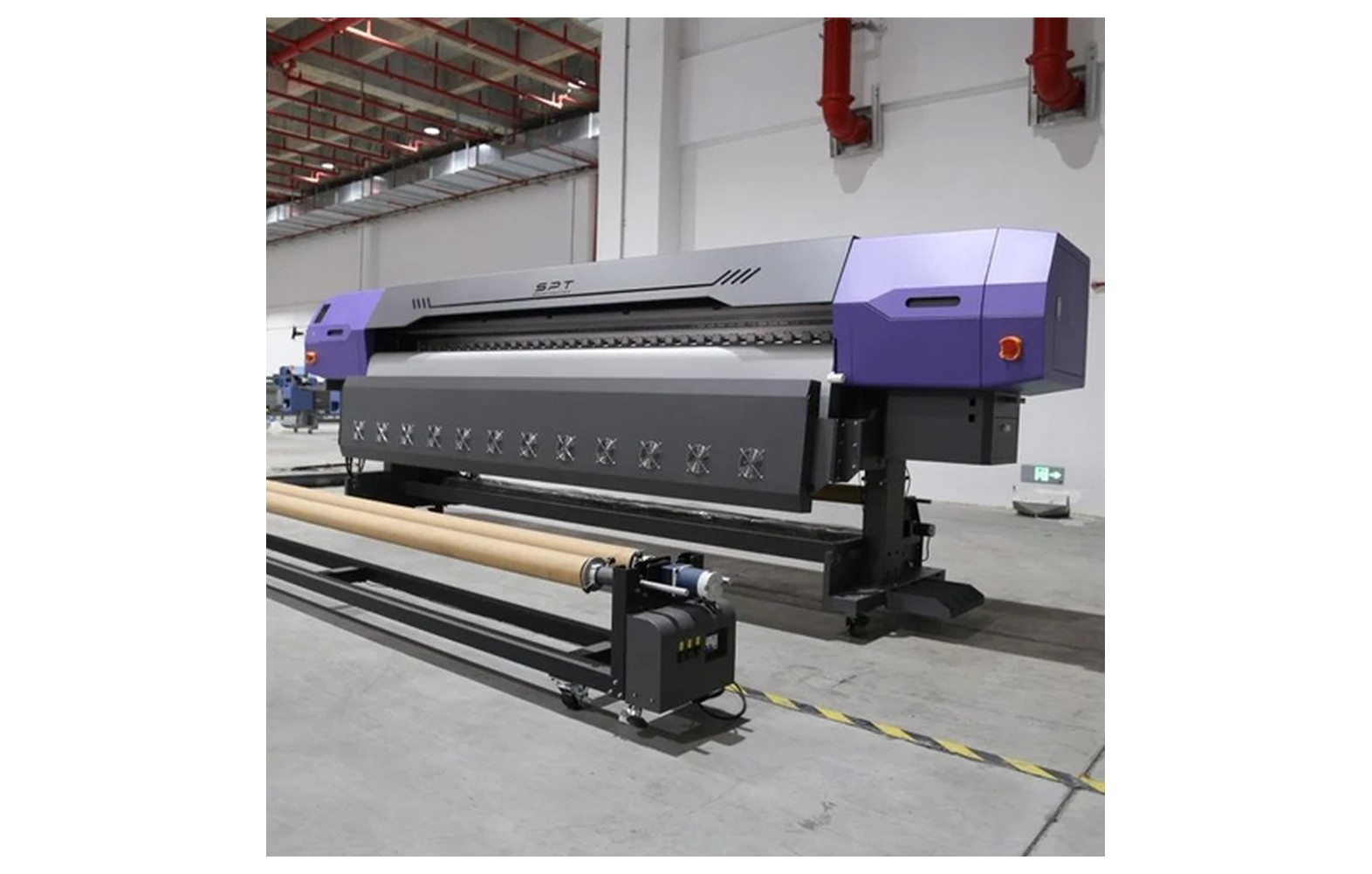
Direct answer: A nozzle check is a printer-generated test pattern that helps reveal jetting irregularities. The method, pattern and recovery procedure depend on the exact machine. A missing or displaced mark signals a condition to investigate, not a confirmed diagnosis.
Engineering Principles and Components
| Topic | Function | Practical check |
|---|---|---|
| Prepare | Use approved media, ink and machine status. | Follow the device manual before starting. |
| Print test | Run the manufacturer nozzle-check command. | Do not confuse the diagnostic pattern with normal artwork. |
| Inspect | Look for missing or displaced marks in each relevant colour. | Compare with the pattern description for your model. |
| Record and act | Save a dated sample and follow the approved troubleshooting sequence. | Stop and seek service if results remain abnormal or warnings appear. |
Practical Shop Checklist
- Use the exact printer manual; do not invent a cleaning cycle or pressure setting.
- Record affected colours and whether the same pattern repeats.
- Follow the recommended recovery and waste-ink procedures.
- Seek a qualified engineer for leaks, physical damage or electrical faults.
Related Engineering Guides
Start with how a piezo printhead works and digital inkjet machine anatomy. For a machine-specific question, share your model on our contact page.
Frequently Asked Questions
What is a nozzle check?
A diagnostic print pattern used to inspect whether nozzles appear to be jetting as expected.
What do missing marks mean?
They may indicate a jetting issue, but the cause can involve drying, contamination, supply or other faults.
What do displaced marks mean?
They may indicate droplet deflection. Consult the test pattern interpretation for your machine.
Is a nozzle check the same on every printer?
No. Commands and pattern designs vary by model.
Should I run unlimited cleaning cycles?
No. Follow the supplier’s limits and diagnostics; repeated cleaning consumes ink and may fill waste systems.
Can I force fluid through a blocked head?
Do not force pressure or use unapproved fluid. Follow the manual and use qualified service for invasive work.
When should I replace a head?
Only after qualified diagnosis and consideration of approved recovery, costs and the printer’s condition.
