



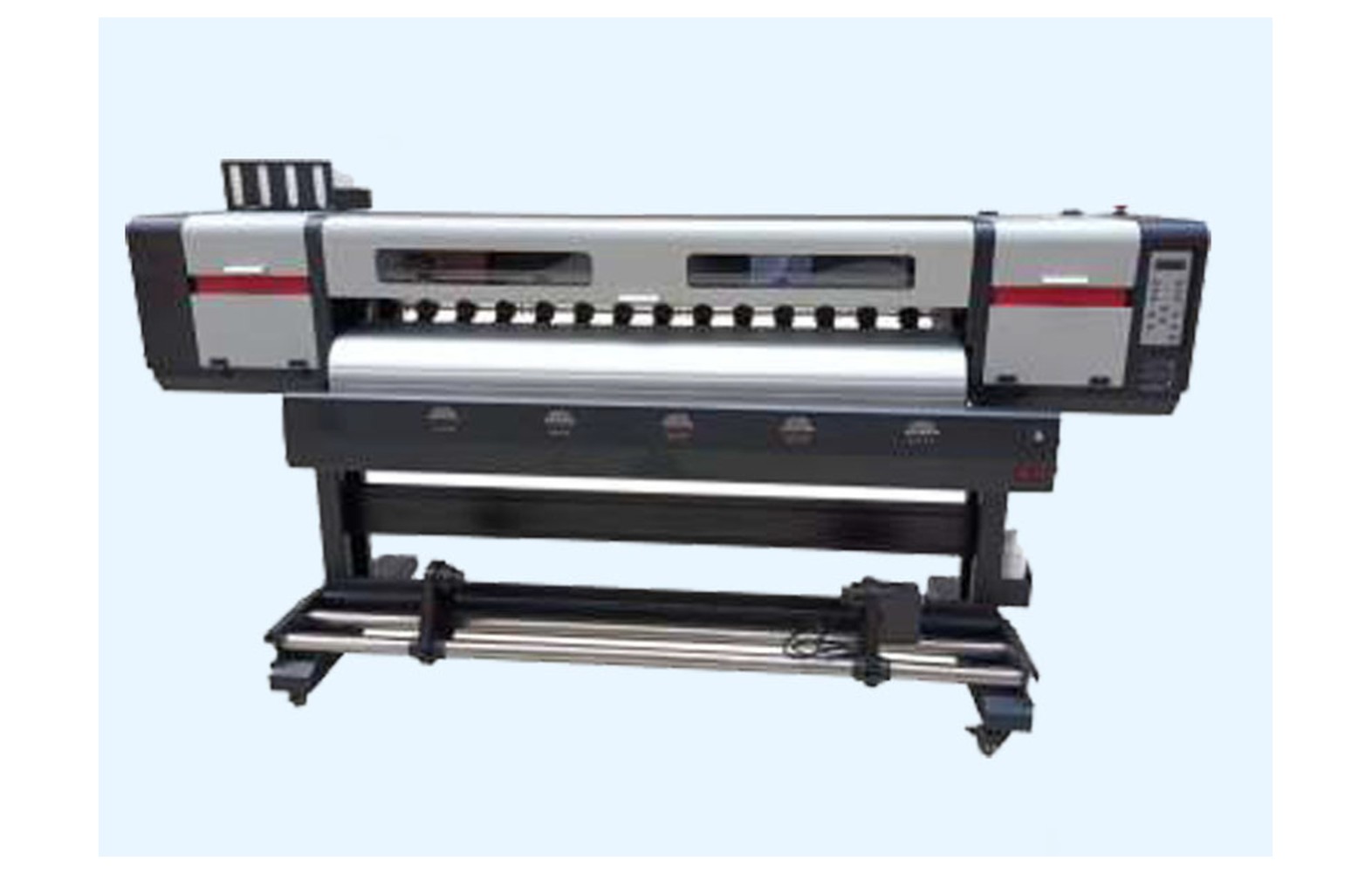
Direct answer: Carriage belts, rails and bearings are parts of the motion system in many eco-solvent printers. Wear, lubrication, alignment and replacement decisions must follow the exact machine manufacturer’s instructions. Noise, position errors or print defects can have several causes; use qualified diagnosis before ordering a part or adjusting a guarded mechanism.
How carriage motion affects the job
The carriage moves the printhead across the media in a controlled path. Depending on the printer, the system can include a motor, belt, pulleys, guide rail, bearings, encoder and control electronics. The exact arrangement depends on the model and its installed options.
Eco-solvent work may include close-viewed decals, labels, signs or vehicle graphics. Positioning, registration and surface quality should be assessed against the approved customer job. A visible defect does not automatically identify the mechanical component responsible.
This guide supports owner-level observation and purchasing. It is not a universal belt-tension, rail-lubrication or bearing-replacement procedure. Guarded mechanical and electrical work requires trained authorised personnel using the manufacturer’s instructions.
Safety before a motion inspection
The carriage can move unexpectedly, and the printer can contain electrical, heated and ink-system hazards. Do not reach into a moving machine, bypass guards, probe live circuits or force the carriage. Follow the exact safe stop and isolation procedure and site requirements.
If there is unusual noise, unsafe motion, a damaged guard or cable, smoke, burning smell or potential head contact, stop and notify the responsible supervisor. Do not continue a hazardous test for a customer deadline.
Inks and cleaning products have product-specific hazards. Qualified professionals should assess ventilation, fire precautions, storage, spills and waste under applicable local rules. Do not use an improvised cleaner or lubricant on a rail, belt or sensor.
Belts and drive components
Some printers use a belt and pulleys as part of the carriage drive. The design, dimensions, material, mounting and tension procedure depend on the machine. A belt sold for a similar head family is not automatically the correct part for your printer.
Confirm the manufacturer part number and any approved supersession for the machine serial and revision. Ask whether related pulleys, mounts or hardware need inspection and whether they are included in the service quote.
More tension is not automatically better. Do not adjust a moving mechanism, add improvised weights or apply a generic tension value. An authorised technician should use the exact manufacturer procedure and record the result.
Rails and bearings
Guide rails and bearings support controlled carriage travel in designs that use them. Their alignment, cleaning, lubrication and service requirements are model-specific. A rail that looks similar may differ in mounting, material or service requirements.
Ask the manufacturer which routine checks trained operators may perform and which require authorised service. Do not apply a lubricant, solvent or tool simply because another printer uses it. An unsuitable material can affect nearby components or create a workplace hazard.
Noise, vibration, positioning errors or print defects can have multiple causes. Record the observation and request a qualified diagnosis instead of automatically ordering a bearing or rail.
Encoder and position feedback
Some printers use an encoder strip and sensor as part of carriage-position feedback. A motion symptom may involve the belt, rail, bearing, encoder, cable, motor or controls. The manufacturer defines the approved diagnostics for the actual system.
Do not touch, clean or reposition an encoder using an unapproved cloth or fluid. The strip may be delicate and near moving equipment. Guarded or electrical work belongs to authorised service.
Retain the exact alarm, print sample, file and settings. Ask the technician what evidence distinguishes a mechanical drive issue from a feedback or media issue. A visually similar symptom is not proof of a particular failed part.
Diagnose a print defect in context
A shifted graphic, banding or poor registration can originate in artwork, RIP settings, media feed, printhead, ink, carriage movement or finishing. Compare the approved source file and RIP preview with the output. Record the last accepted job and what changed before the defect appeared.
Use a representative file and approved media when the manufacturer or technician recommends a safe test. Record print mode, dimensions, settings and the position of the defect. Do not change several variables at once and then assume which one solved the problem.
If a fault is intermittent, note the operating stage and whether it appears only after a longer run. Do not reproduce unsafe movement to obtain a sample. The service provider should define a safe diagnostic plan.
Print-and-cut workflow
Some eco-solvent orders are printed and then contour-cut, either on integrated equipment or a separate cutter. A mismatch can involve artwork scale, registration marks, media movement, cutter setup or printer output. It does not automatically establish a worn carriage bearing.
Confirm the approved file, final dimensions, media and complete printer-to-cutter workflow. Ask the relevant equipment suppliers how to test their systems. Record the finished alignment that the customer expects and retain the accepted proof.
Do not change a protected printer setting to compensate for an unresolved cutter or file issue. Test each authorised step and then the combined workflow. Customer acceptance is separate from an individual component check.
Identify the correct spare
Confirm manufacturer part number, printer serial, revision, component function and installed options. Ask whether an offered number is an approved replacement or supersession. Similar dimensions or a familiar head name do not establish the correct material, mounting or control requirements.
Ask whether the part is genuine, compatible, refurbished or used and what evidence supports its use. For an aftermarket component, obtain written compatibility and the printer manufacturer’s support and warranty position. A genuine part can still be wrong for another revision.
Do not remove a guard merely to photograph a part. The manufacturer may identify it from the machine record; otherwise an authorised technician can inspect it under the proper isolation procedure.
Lubricants and cleaning materials
Use only products and procedures approved for the exact machine and task. A lubricant suitable for one rail or bearing may be unsuitable for another component. Do not introduce a generic oil, solvent or spray near the printhead, encoder, belt or electronics.
Ask which actions trained operators may perform and which require service. Keep the actual safety data sheets and follow qualified site controls for ventilation, fire, storage and waste. The term eco-solvent does not eliminate chemical-safety obligations.
If contamination or a leak is suspected, stop and follow the site procedure. A qualified technician and safety team should decide how the machine and removed materials are handled.
Plan a qualified service visit
Provide the technician with the machine record, timeline, error message, approved reference file and output sample. Ask which tests distinguish belt, rail, bearing, encoder, motor, media and software causes. The exact procedure and access requirements are model-specific.
Request a written scope covering diagnosis, part numbers, related hardware, labour, authorised adjustment and acceptance testing. Clarify what happens if the observed symptom has another cause. Do not replace several parts at random solely to meet a deadline.
Plan a pre-qualified backup printer or subcontractor for urgent work where practical. Check media, colour, cutting and delivery against the customer proof before relying on the alternative.
Acceptance after service
- Record the baseline: printer, symptom, file, media, settings and reference sample.
- Verify the part: exact belt, rail, bearing or related assembly number and compatibility.
- Perform authorised work: use the manufacturer’s isolation and service procedure.
- Restore protection: confirm guards and safety systems under the service process.
- Run approved checks: use model-specific motion and setup tests.
- Print representative work: inspect the original symptom at the required quality and dimensions.
- Document release: retain the technician’s report, settings, sample and limitations.
A successful short test is evidence under those conditions, not a guarantee of future component life. For an intermittent long-run fault, agree a safe follow-up and escalation plan with the service provider.
Cost and supplier checks
Compare diagnosis, exact part, related mounts, freight, taxes, authorised labour, configuration and downtime. Obtain current written quotations and review warranty and returns. A component-only price is not the full service cost.
For a hypothetical example, a part costs Rs 2,000, freight Rs 300 and authorised labour Rs 1,700. The illustrative subtotal is Rs 4,000 before taxes and other expenses. These invented numbers are not market prices. Use your own quotes and keep uncertainty visible.
Decide whether to stock a spare using the exact machine record, service history, lead time and storage guidance. A belt or bearing for another revision should not be issued by appearance. Update inventory after an authorised modification.
Common mistakes
Replacing a belt from noise alone: have a qualified technician assess the complete motion system.
Using a generic tension value: follow the specific manufacturer procedure.
Applying an unapproved lubricant: verify the product, task and safety instructions.
Confusing printer and cutter errors: test the approved complete workflow.
Bypassing guards: stop and use authorised service.
Questions for the supplier
- What exact belt, rail or bearing number matches this printer serial?
- What evidence supports the proposed diagnosis?
- Which related parts and authorised adjustments are included?
- What warranty and return terms apply?
- How will the original symptom and finished job be tested?
For feedback see eco-solvent encoder strips and sensors. For broader engineering read printer carriage and guide rails.
Conclusion
Evaluate belts, rails and bearings as part of the exact carriage system. Use model-specific safety and service instructions, verify the spare and test representative customer work before release.
Record noise and movement safely
When reporting an unusual noise, record the operating stage, approximate location visible from a safe position, job and any displayed message. Note whether the sound occurs at startup, during a direction change or only after a longer run. Do not open a guard or keep an unsafe machine moving to create a recording.
Provide the previous service report and the last accepted output. If the machine was recently moved or a component was replaced, include the date and authorised work. Timing is useful evidence, but it does not prove that the recent event caused the symptom.
The technician should determine which model-specific tests are safe and how to isolate the system. Ask for the diagnostic conclusion and any uncertainty in writing before authorising replacement parts.
Check the material and file separately
A vinyl roll can develop wrinkles, skew or marks due to loading, roll condition, feed or take-up. These symptoms may be mistaken for carriage trouble. Record the material, roll width, core and approved loading setup and compare with the manufacturer’s limits.
A file prepared at the wrong scale or a registration-mark issue in a cutter workflow can also produce a poor finished result. Compare the approved source, RIP preview and physical print. Use an authorised test file and retain the settings rather than making several undocumented changes.
If media approaches the printhead or the carriage makes unsafe contact, stop using the manufacturer’s procedure. A qualified technician should assess the equipment before production continues. Do not reach into the moving path to reposition a roll.
Compare spare-part offers fairly
Ask each supplier to identify the exact assembly and machine serial. A belt-only quote may exclude pulleys, related hardware, authorised labour, adjustment and testing. A rail or bearing quote may also describe a subcomponent rather than the complete approved assembly.
For a compatible or refurbished part, request specifications, condition, warranty and the machine manufacturer’s support position. Ask whether a replacement number is an approved supersession and whether any related items or configuration changes are required.
Keep the written quote and acceptance criteria with the service request. If the technician finds an additional fault, require a revised scope and approval before more parts are installed. A low part price is not evidence that the original diagnosis was correct.
Control approved lubricants and service materials
Some manufacturers specify particular products and intervals for particular components; others may restrict operator access or require service. Obtain the exact instructions for the installed machine. Do not substitute a common household oil or cleaning fluid because it appears suitable.
Store approved products according to supplier instructions and safety data sheets. Qualified professionals should assess the site’s fire, ventilation, personal protection and waste requirements. Keep tools and fluids labelled for their authorised task and away from the media and ink systems unless the manual directs otherwise.
If the printer was converted or a rail assembly changed, ask the manufacturer whether the maintenance instructions remain valid. Update the controlled procedure and train each shift only after the authorised provider confirms the new requirements.
Handover and follow-up after service
Retain the technician’s report, parts, settings and representative print. Confirm that guards and protective devices were restored under the service process and identify any remaining limitation. The responsible production person should approve the return to customer work.
If the original issue returns, record the conditions and contact the service provider. Avoid repeated resets, unapproved tension changes or another part swap without diagnosis. A recurring symptom can have the same cause or a different one.
Compare customer panels or decals printed before and after service against the accepted proof. Check final dimensions, registration and finishing under the agreed workflow. Document any accepted variation or revised delivery.
Receive and identify replacement parts
Compare the delivered part number, machine application, condition and packaging with the approved quotation. Ask the supplier about storage and warranty before opening a protected item. A damaged or unidentified component should be held for clarification rather than installed under deadline pressure.
Do not force a belt, bearing or rail into place because it resembles the old part. The manufacturer or authorised technician must confirm compatibility and use the model-specific service procedure. Record related hardware and any approved configuration change in the machine history.
If the original fault persists after service, preserve the new sample and contact the provider. A repeated symptom may have the same cause or a different one. Agree the next safe diagnostic step and cost before another part is ordered.
Keep a pre-qualified backup option for urgent customer work. Compare its media, colour, cutting and finishing with the accepted proof; the alternative does not remove the need to repair the original equipment safely.
Frequently Asked Questions
Does carriage noise mean the belt failed?
No. Rails, bearings, pulleys, motors, sensors or other components can contribute. Stop safely and obtain model-specific diagnosis.
Can I use any oil on a printer rail?
No. Use only products and procedures approved for the exact machine and task.
Does a tighter belt always improve quality?
No. The correct setting is model-specific. An authorised technician should follow the manufacturer’s procedure.
Can a print-and-cut mismatch be caused by the cutter?
Yes. Artwork, marks, media feed, printer and cutter setup can all matter. Test the actual approved workflow.
Are belts and bearings interchangeable across eco-solvent printers?
Not necessarily. Confirm the exact machine, revision, position and manufacturer part number.
Can an operator work on a moving carriage?
No. Follow the approved safe stop and isolation procedure; guarded mechanical work belongs to authorised personnel.
How is replacement verified?
Restore safety systems, run approved checks and inspect representative output at the required quality and dimensions.
