



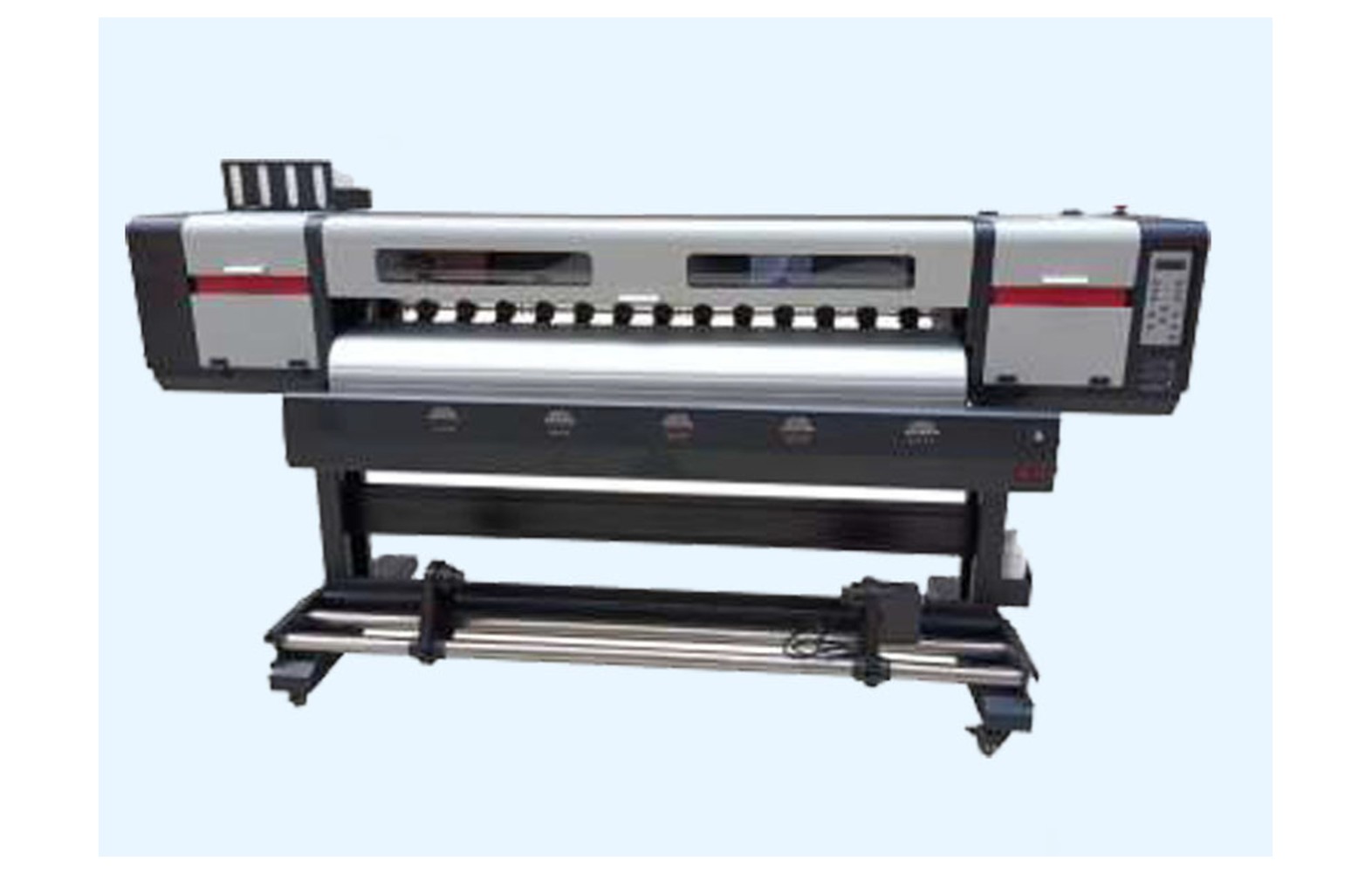
Direct answer: Choose printhead cleaning supplies for an eco-solvent printer only from the products and procedures approved for the exact machine, head, ink and maintenance system. Similar product names do not establish compatibility. Review the actual safety data sheets and have authorised personnel perform any cleaning or ink-system work beyond the operator’s training.
Why cleaning compatibility matters
An eco-solvent printer can contain printheads, caps, wipers, pumps, lines, seals and electronics with different material requirements. A cleaning fluid or tool that is suitable for one machine may damage another component or conflict with its approved ink. The printer manufacturer should identify the supported combination.
Record the printer model, serial, revision, head variant, ink, maintenance station and any authorised conversion. Keep the current manual and supplier documentation with the machine. A printer that has been modified may no longer match an older generic product listing.
This guide helps owners check compatibility and safety. It does not provide a universal head-cleaning, flushing, soaking or pressure procedure. Use the exact machine manual and appropriately trained authorised personnel.
Start with the maintenance task
Ask what task the manufacturer specifies, who is authorised to perform it, how often it is required and which product is approved. A routine operator check, a maintenance-station service and a head replacement are different tasks. They may require different tools, safety controls and qualifications.
Do not purchase a fluid merely because it is described as printhead cleaner. Request the exact product identification, supported machine and ink, storage requirements and safety data sheet. A supplier’s universal claim is not a substitute for the printer manufacturer’s approval.
Do not perform a maintenance step simply to match a generic schedule. The correct timing and process depend on the equipment, ink and operating pattern. The manufacturer and authorised service provider determine the model-specific routine.
Ink and fluid compatibility
Eco-solvent formulations are not automatically interchangeable. Cleaning fluids and ink-system materials must be compatible with the exact approved products and printer. Different head, cap, wiper, tube and seal materials can respond differently.
Do not mix inks or cleaning fluids or use an improvised solvent. An ink conversion may affect the entire fluid path, warranty and site controls. Obtain a written assessment and procedure from the manufacturer or authorised service provider before making a change.
Tell the technician about previous inks, cleaning products and authorised conversions. If the history is incomplete, ask for a configuration assessment before service. A cleaner suitable for the original machine may not be approved after a modification.
Tools and consumables
Wipes, swabs, gloves, containers and other tools should be those specified for the task and machine. Material, lint, shape and handling can matter. A tool supplied for one printer may not be appropriate for another, even if the heads look similar.
Do not use an abrasive cloth, improvised implement or compressed air merely because another model permits it. Ask the manufacturer which materials and operator actions are authorised. Protected, electrical and ink-system work may require qualified service.
Keep approved supplies identified and protected from contamination. Separate tools intended for different fluids or machines as required by the site procedure. Follow supplier storage and shelf-life guidance.
Safety data and the workplace
Obtain current safety data sheets for the actual ink and cleaning products. Qualified professionals should assess ventilation, fire precautions, storage, personal protection, spills and waste handling under applicable local requirements. The word eco does not establish that a fluid is harmless or that no ventilation is needed.
Do not mix fluids or use an unlabelled container. Follow the site’s approved labelling, segregation and emergency procedure. If there is a leak, unusual smell, smoke or other unsafe condition, stop and notify the responsible supervisor.
Do not reach into moving equipment, open electrical panels, bypass guards or touch hot surfaces. Follow the manufacturer’s stop, isolation and cooling instructions. A customer deadline does not authorise an unsafe cleaning attempt.
Symptoms are not a cleaning instruction
Missing lines, banding, weak colour or a change after idle time can involve artwork, profile, ink delivery, maintenance station, head, media or electronics. A single symptom does not prove that a head needs manual cleaning or that a particular fluid is appropriate.
Record the printer configuration, job, ink, media, settings, exact message and last accepted print. Retain a marked physical sample and any approved test pattern. Note recent service or ink changes without assuming they caused the fault.
Ask an authorised technician to use the model-specific diagnostic process. Do not perform repeated aggressive cleaning, soaking or flushing based on generic advice. If the cause is uncertain, agree the next safe test and its cost before opening the ink path.
Routine checks versus service
The manual may authorise trained operators to perform certain external checks or maintenance cycles. It may reserve guarded-area, electrical or ink-system work for qualified service. Record that division of responsibility and train each shift.
Follow the manufacturer-defined escalation threshold when a test remains unacceptable. More cleaning cycles do not guarantee recovery and can waste ink or affect components. Do not bypass a sensor or protection to make the cycle run.
After authorised service, update the record with the task, approved products, technician and results. If the process changes, revise the controlled checklist and train affected operators.
Idle periods and shutdown
Ask the manufacturer how the exact printer and ink should be left for the intended idle period. Some systems have specific power, parking or maintenance requirements. A recommendation for another machine may be inappropriate.
Do not disconnect power, force a carriage or introduce a cleaning fluid based on an informal message. For longer shutdowns, request written model-specific instructions and identify the authorised person responsible.
Record the last accepted test and unresolved issues before shutdown. On restart, follow the approved sequence and compare results with the reference. A change after idle time is evidence for diagnosis, not proof that a particular cleaner is needed.
Supplier verification
Ask for the exact product identity, supported printer and ink, manufacturer approval, safety data sheet, storage and shelf-life guidance. Verify whether the supplier’s compatibility statement applies to the installed revision and maintenance system.
Clarify whether the quote includes tools, protective materials, freight, taxes, authorised labour and waste handling. A low fluid price may omit essential service. Ask about warranty and return conditions before opening packaging.
For a compatible or substitute product, obtain written specifications and check the machine manufacturer’s support position. A universal or eco-friendly label is not evidence of chemical compatibility or a safe disposal route.
Acceptance after authorised cleaning or service
- Record the baseline: symptom, printer, ink, media, settings and reference output.
- Verify supplies: exact approved product, tools, safety data and authorised procedure.
- Perform authorised work: follow the model-specific stop, isolation and service instructions.
- Restore protection: confirm guards and protective systems under the service process.
- Run approved checks: use the manufacturer’s documented test sequence.
- Print representative work: inspect the original symptom at the intended quality.
- Document release: retain the service record, sample and any limitation.
A short successful print demonstrates performance under those conditions, not a guarantee of future head life. For an intermittent issue, agree a safe follow-up and escalation plan with the service provider.
Cost and waste
Compare approved products, trained labour, authorised service, downtime, storage and waste handling using current written quotations. Repeated unapproved cleaning can increase cost and risk. Do not rely on an evergreen article’s old price as a current quote.
For a hypothetical example, approved supplies cost Rs 500 and authorised labour costs Rs 1,000. The illustrative subtotal is Rs 1,500 before taxes, waste handling and other expenses. These invented figures are not market rates. Use your actual quotation and site requirements.
Waste may contain ink and cleaning fluids. Do not assume it is suitable for a drain or ordinary bin. The qualified site team and waste provider should determine classification, storage and disposal under applicable local rules.
Common mistakes
Buying by the word cleaner: verify the exact product, printer, head and approved ink.
Mixing fluids: obtain the manufacturer’s documented approval and a qualified safety assessment.
Cleaning a live or moving machine: follow the approved stop and isolation procedure.
Repeating aggressive cycles: use the model-specific escalation process and qualified diagnosis.
Assuming eco means harmless: review the actual safety data sheets and site controls.
Ignoring waste: arrange the appropriate local handling and disposal route.
Questions for the supplier
- Which product and tools are approved for this exact printer, head and ink?
- Which tasks may trained operators perform and which require authorised service?
- What safety data, storage and waste instructions apply?
- How is compatibility affected by a prior ink conversion?
- What test and records are required after service?
For the waste path read eco-solvent waste ink handling. For station parts see capping stations and wiper assemblies.
Conclusion
Choose cleaning supplies by verified printer, head, ink and manufacturer approval. Use trained personnel, actual safety data and a documented acceptance test rather than generic fluids or aggressive cleaning instructions.
Reading a supplier compatibility statement
Ask the supplier to identify the printer model and revision, head, installed maintenance system and exact approved ink. A statement that a product is for eco-solvent printers may group machines with different materials and procedures. The machine manufacturer should confirm the proposed use for the installed configuration.
Request the product’s current safety data sheet and storage instructions and compare its identity with the authorised maintenance list. If a replacement product has a new name or formulation, ask whether it is an approved supersession. Do not assume the same bottle shape means the contents are unchanged.
Clarify what the quote includes: fluid, tools, protective materials, authorised labour, freight and waste handling. A low price for one item is not directly comparable with a complete service visit. Obtain warranty and return terms before opening the package.
When a printer has uncertain ink history
A used machine may have been operated with a previous ink or converted without a complete record. Ask for purchase and service documents, product names, safety data sheets and any approved conversion plan. Record uncertainty rather than assuming the current bottle describes everything in the fluid path.
Have the manufacturer or authorised technician assess the installed system before selecting a cleaner or starting a conversion. Do not mix products or use a generic flush to remove an unknown fluid. The wrong process can affect materials, warranty and safety.
After an approved change, update the machine record, operator instructions and spare-stock labels. Separate old or uncertain fluids and components under the site’s qualified storage and disposal procedure. Train affected shifts before the revised routine is used.
What to record for a recurring nozzle issue
Keep the manufacturer-approved test pattern, the last accepted customer print and the first output showing the issue. Record the ink, media, profile, mode and whether the symptom appears at startup or after a longer run. This evidence helps service personnel choose a relevant test.
A nozzle pattern does not prove that a particular cleaning product or manual action is required. The technician may need to assess the ink path, maintenance system, head, electronics or settings. Follow the manufacturer’s authorised diagnostic sequence and record what remains uncertain.
If the condition persists after an approved action, escalate rather than repeating it indefinitely. Keep the equipment stopped if there is a leak, damaged guard or other unsafe condition. A customer deadline is not a reason to bypass the service process.
Protecting people and the print area
The qualified site team should use the actual safety data sheets and machine instructions to assess ventilation, fire precautions, storage, protective equipment and emergency response. A printer fan or an open door is not automatically a complete ventilation design. Requirements vary by substances, equipment and location.
Keep approved cleaning products labelled and stored as directed. Do not transfer a fluid to an unlabelled bottle or leave contaminated materials where another shift could mistake them for clean supplies. Follow the site’s spill and waste procedure.
Do not touch moving, heated or electrical components to speed a job. Use the documented stop and isolation process and the correct authorisation. If a task is unclear, ask the supplier or technician for the model-specific instructions.
Reviewing the finished customer job
After authorised service, use the intended ink, media, profile and quality mode to print a representative reference. Inspect the original symptom and record any remaining limitation. A successful short sample is evidence for that test, not a promise of permanent recovery.
For interrupted labels, wraps or panels, compare reprinted output with the customer’s accepted proof under agreed lighting. Check dimensions and finishing as well as colour. Obtain customer approval separately from the technician’s service sign-off.
Retain the service report, approved products, settings and sample. If the problem returns, provide the new evidence rather than repeating an aggressive cleaning procedure. Review whether the supplier, manual or shift handover needs clarification.
Approve a change before ordering
If an approved cleaner is unavailable, ask the machine manufacturer or authorised service provider to identify a supported alternative for the exact ink, head and maintenance system. Record the product identity and safety data sheet; do not choose a substitute solely by colour, odour or price.
Determine whether the new product changes storage, ventilation, protective equipment, waste or training requirements. The responsible qualified team should review the actual site and local rules. Obtain approval before the product is opened or used.
Keep the previous and revised maintenance instructions with their dates. Tell each shift which product is approved and what task may be performed. Separate obsolete or uncertain stock so an operator does not select it during an urgent fault.
After the first authorised use, retain the test result and any limitations with the machine record. If the original symptom persists, seek a qualified system diagnosis rather than increasing the amount of fluid or repeating an unapproved procedure.
For a customer deadline, maintain a verified backup option instead of using an uncertain fluid. Compare the alternate printer’s media, colour and finishing with the approved proof, and record any customer-accepted variation before dispatch.
Keep the supplier’s written approval and current safety data sheet accessible to authorised staff.
Frequently Asked Questions
Can any eco-solvent cleaner be used on any head?
No. Use the exact products and procedures approved for the printer, head, ink and maintenance system.
Should operators manually clean a head whenever lines appear?
Not automatically. Several causes are possible. Follow the manufacturer’s operator procedure and seek authorised diagnosis.
Can two cleaning fluids be mixed?
Do not mix products without the manufacturer’s documented approval and a qualified safety assessment.
Does eco-solvent mean no ventilation is required?
No. Review the actual safety data sheets and machine instructions with qualified site professionals.
Can a head be flushed using a generic online method?
No. Flushing and ink-system work require the exact manufacturer procedure and authorised personnel.
How often should a head be cleaned?
Follow the model-specific maintenance guidance. There is no universal interval for every machine and ink.
How should waste cleaning fluid be handled?
The qualified site team and waste provider should determine storage and disposal for the actual substances and applicable local rules.
